 CalMind
How to Use a Photo Calorie Counter: Best Practices
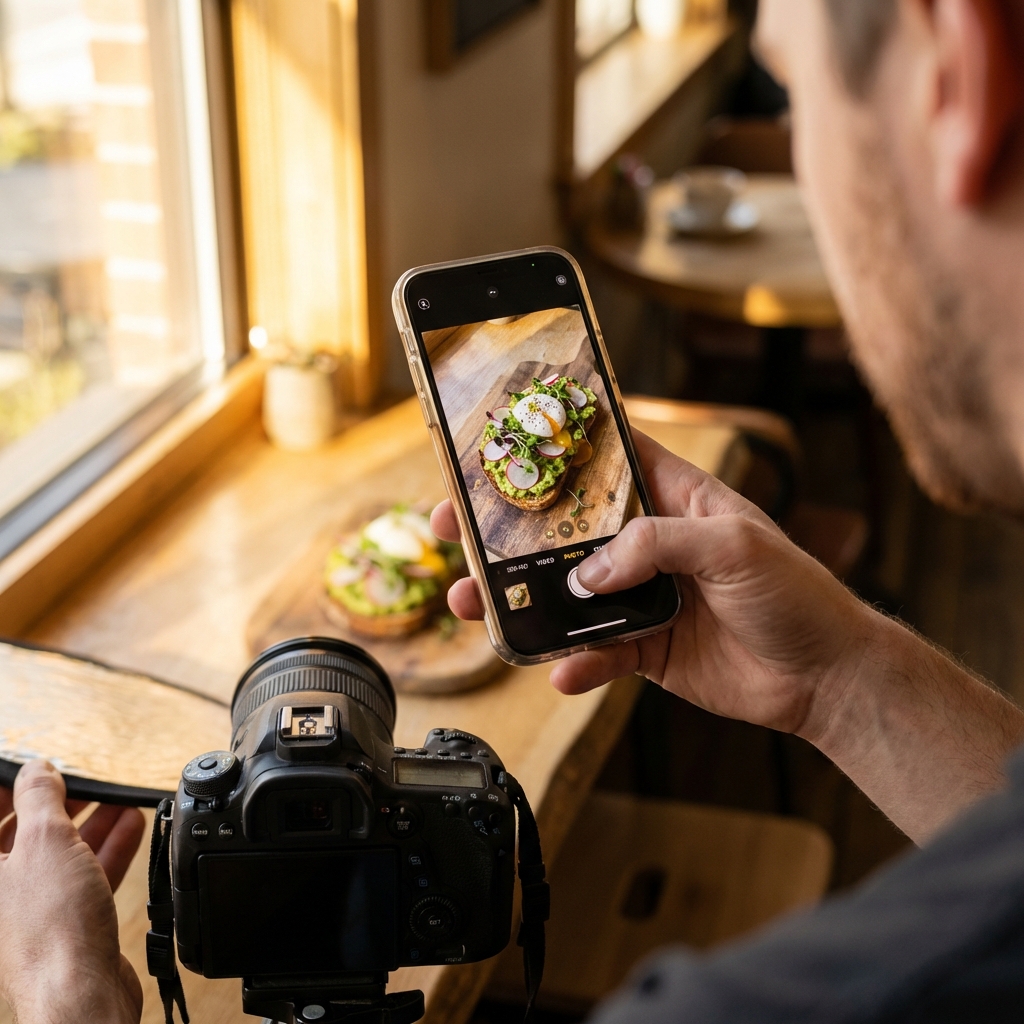
CalMind's AI food scanner is incredibly powerful, but it relies on good visual data. Just like a blurry photo makes it hard for your friends to see what you're eating on Instagram, it makes it harder for the AI to accurately track your macros.
Follow these 3 simple best practices to get maximum accuracy from your photo calorie counter every single time.
1. Find Natural Lighting
Good lighting is the foundation of accurate computer vision. Dark shadows or intense artificial light can hide crucial ingredients or distort the color, potentially confusing "grilled chicken" with "fried chicken" or masking sauces.
2. The 45-Degree Angle for Depth
While top-down "flat lay" photos look great on social media, they are counterproductive for an AI food scanner because they hide the physical volume (`depth`) of the meal.
Take your photo at a roughly 45-degree angle (similar to how you naturally look at a plate while sitting at the table). This perspective allows the AI to see both the width and the height of the food pile, drastically improving portion size accuracy.
3. Separation of Ingredients
If you have a burger, fries, and a side salad, try not to stack them into one giant, indistinguishable mountain. If the items are distinct and separated on the plate, the AI algorithm can segment and identify them much faster.
Frequently Asked Questions
How to use a photo calorie counter effectively?
For the best AI food scanner results, ensure you have good natural lighting, take your photo at a 45-degree angle to capture depth, and try not to completely stack different ingredients on top of one another.
Does lighting affect an AI food scanner?
Yes, shadows and harsh flash can distort the color and texture of the food, making it harder for the AI to distinguish between similar-looking meals (like baked vs. fried foods).
How do you scan mixed meals like salads or stews?
When using a photo calorie counter for mixed dishes, stir the meal slightly before taking the picture so that all the main ingredients, such as proteins and vegetables, are visible at the top.